
Hicaps Update for 64-Bit Optomate
How to update HicapsConnect for 64-bit Optomate
The below guide will step you through the screens and install requirements to update HicapsConnect for v4.1 of Optomate Touch
Download the latest HICAPS Connect v4 from HERE.
Note: To use this version of HICAPS Connect, you must be running Optomate Touch v4.1 or above.
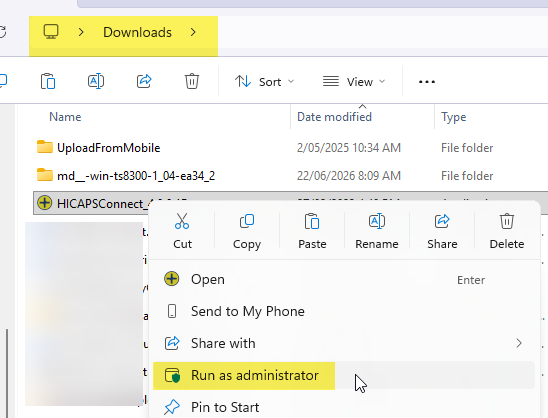
Locate the HICAPSConnect_4.0.0.1B.exe install file and Run as Administrator.
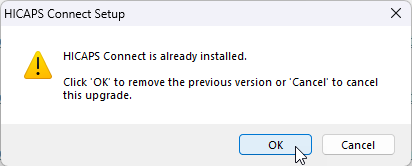
If HicapsConnect is installed, you will be prompted to unistall the previous version.
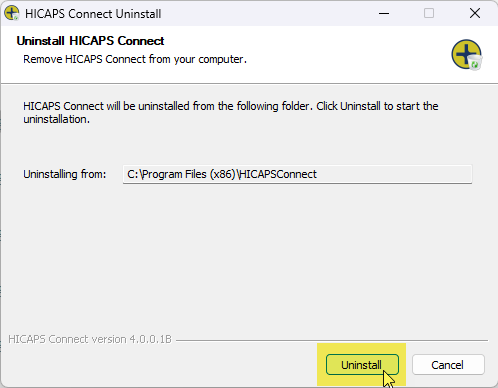
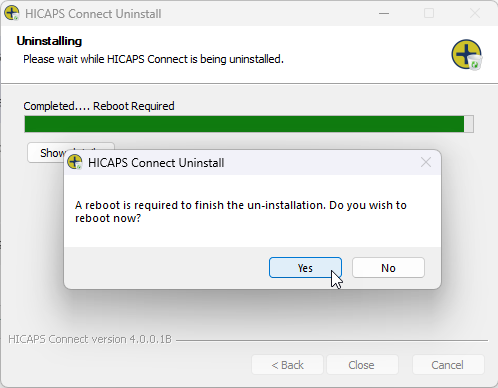
Reboot the computer. If this is the Optomate Server, make sure all copies of Optomate are closed on all computers, including the Server.
After the Restart, install the new HicapsConnect software.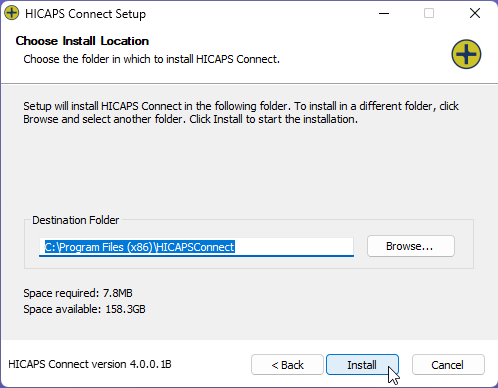
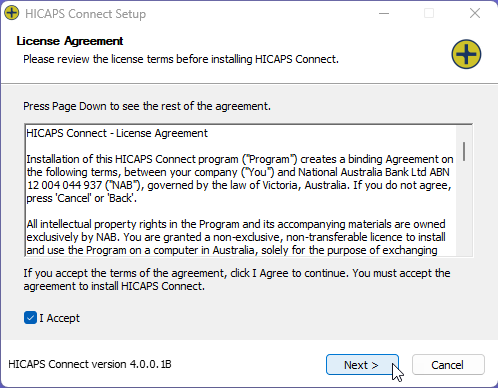
Click Close.
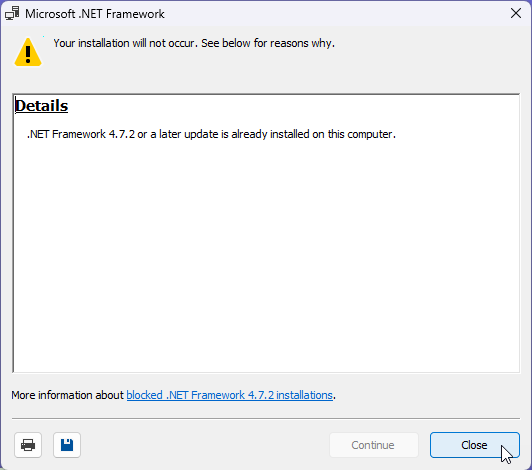
After the install, you will need to reboot the computer again.
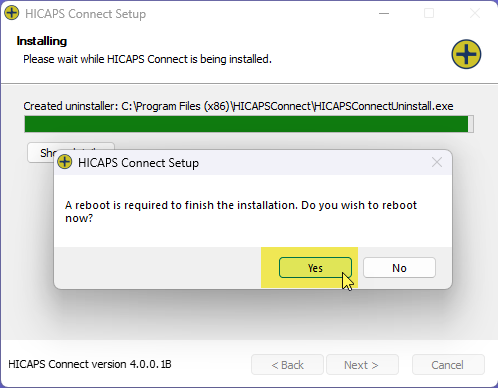
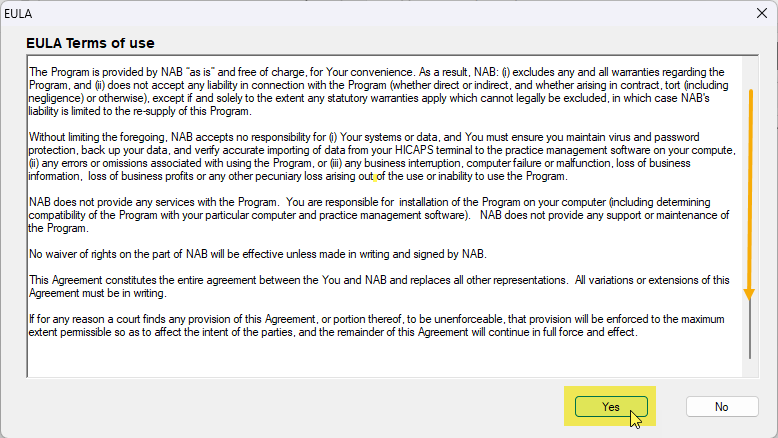
When the computer has restarted, the HicapsConnect agreement should appear. Scroll down the agreement and click Yes.
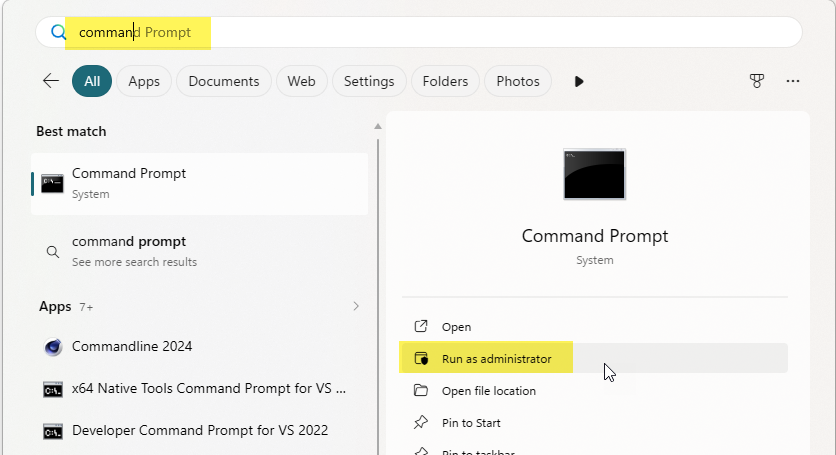
Finally, you will need to open Windows Command Prompt. Click on the Start Menu and search. Use Run as Administrator to open the Command Prompt Window.
Copy this string: C:\Windows\Microsoft.NET\Framework64\v4.0.30319\regasm.exe "C:\Program Files (x86)\HICAPSConnect\HicapsConnectControl.dll" /codebase /tlb
And paste in to the Command Prompt Window, and hit Enter.
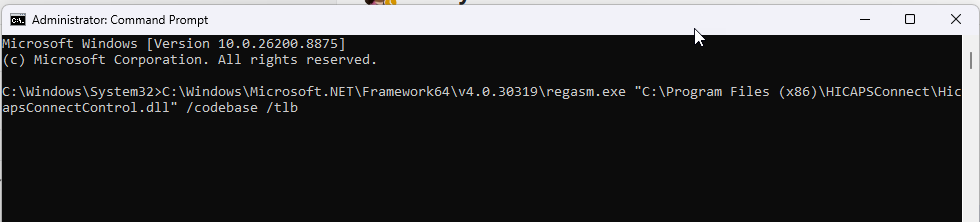
Let the command complete and then you can close the Command Prompt window.
Congratulations, you have updated your Hicaps Software for Optomate Touch v4.1 64-Bit.