Optometrist User Settings
Information about configuration of optometrist specific settings.
There are a number of customisations and unique configuration options for optometrists within the User setup module, under the Optom Settings tab.
Branch level settings.

Provider Numbers for each location (if available), Oculo activation keys.
For locum optometrists, the option to activate the Payee Provider No. for Services Australia online claims. This option will use the Payee Provider Number in the Branches setup module, under the Online Claiming tab, for the processing of payments back to the practice.
Default Exam Settings

- Settings to pre-set examination types or pre-populate the Rx Types.
- Preferred Referral & Patient Letter Templates can be pre-selected.
- Therapuetically endorsded optometrsts can update their PBS Prescriber Number for medication prescriptions.
- Link their Parchment User ID for eRx.
Default Instruments & Tests
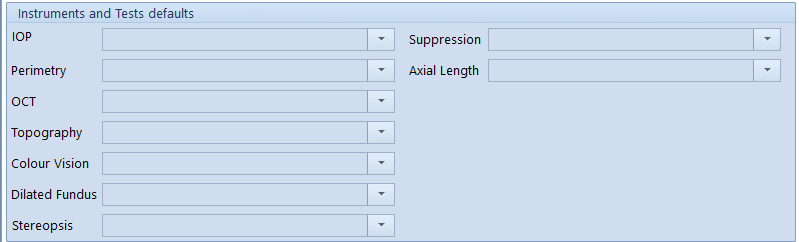
Pre-set the preferred options to populate the examination record.
Other Settings
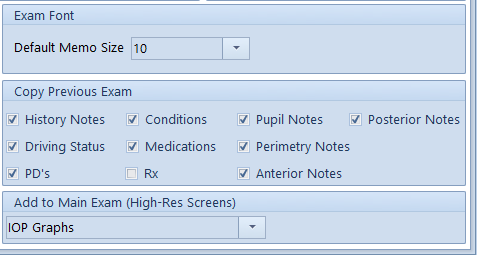
- Option for default text size in the examination memo fields.
- Option for copying previous exam notes to new examination records.
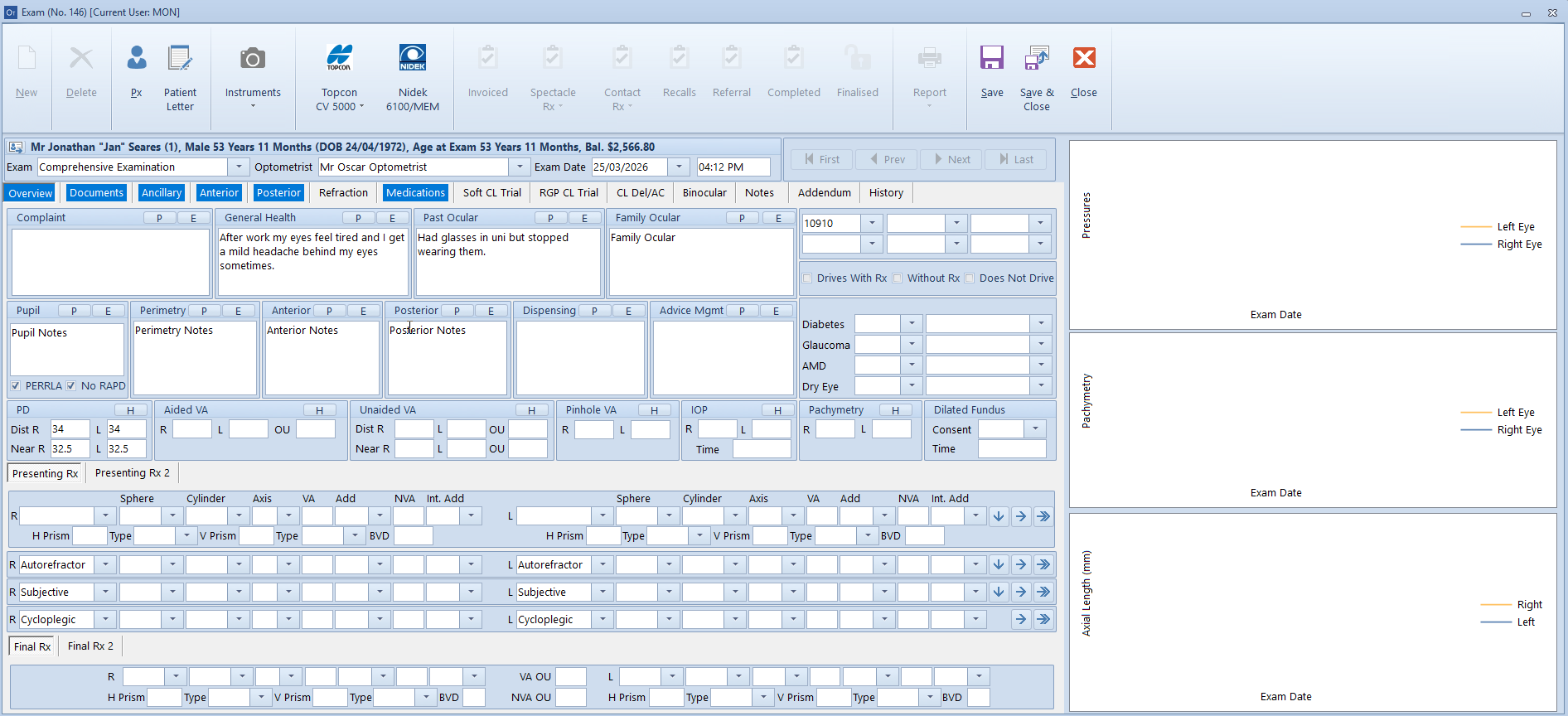
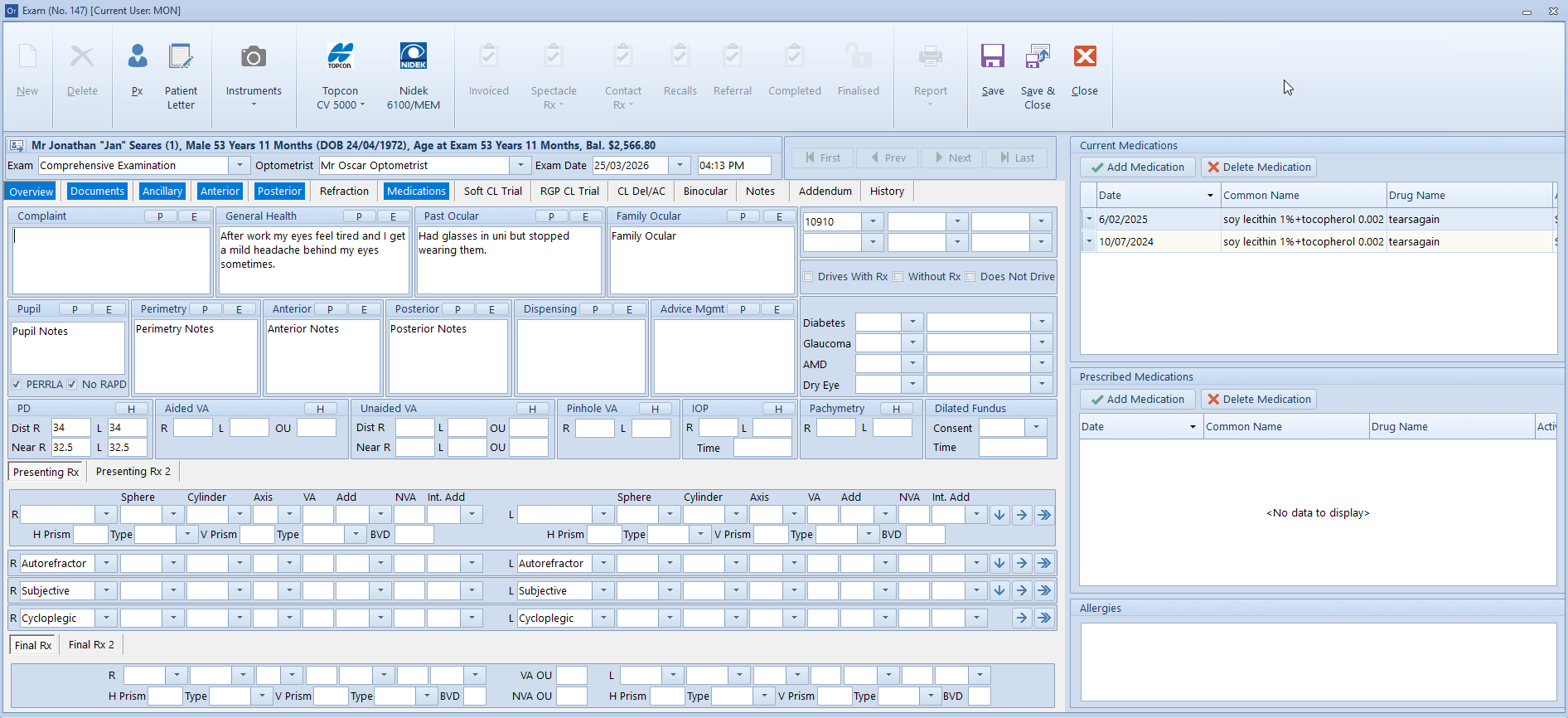
- For those users with a wide / high-res monitor, the option to include Medication sidebox or Pressures/Pachymetry/Axial Length history graphs.